If your uninterruptible power supply (UPS) suddenly starts beeping, don't ignore it. That sound is your UPS communicating that something has changed.
Sometimes, a beeping UPS is simply responding to a temporary power outage. Other times, it may be warning you about a low battery, overload, battery failure, or another operating condition.
The good news? A beeping UPS doesn't automatically mean you need a new system. Depending on the alarm, you may simply need a replacement battery, compatible UPS part, or, if the UPS itself is aging, a replacement UPS.
In this guide, we'll explain some of the most common UPS alarms and beeping patterns, what they typically mean, and what you can do next.

Why Is My UPS Beeping?
A UPS can beep for several different reasons. The exact alarm pattern depends on the manufacturer and model, but common causes include:
- The UPS is operating on battery power
- Utility power has been interrupted
- The battery is running low
- The UPS is overloaded
- The battery needs to be replaced
- A battery fault has been detected
- The UPS has entered bypass mode
- The UPS has detected an internal fault
- The UPS is experiencing an overheating condition
Because every UPS manufacturer uses different alarm codes and patterns, the first step is to check the UPS display or user manual for the specific message or code.
Knowing your UPS manufacturer and model number is especially helpful when looking for replacement batteries, parts, or an entirely new UPS.
1. Your UPS Is Beeping Because It Is on Battery
One of the most common UPS alarms happens when utility power is interrupted.
When the UPS detects a power outage or an input power problem, it automatically switches to battery power to keep connected equipment running.
You may hear a repeating beep while the UPS is operating on battery.
In this situation, the alarm doesn't necessarily mean there's a problem with your UPS. It may simply be letting you know that your equipment is currently being powered by the battery.
If utility power returns shortly afterward, the UPS should normally transfer back to its standard operating mode.
However, during a longer outage, pay attention to the UPS's remaining runtime. Once the battery is depleted, the UPS can no longer provide backup power.
2. Your UPS Is Beeping More Frequently Because the Battery Is Low
As the UPS battery becomes depleted during an outage, the alarm may become more frequent.
A low-battery warning is important because it indicates that your available backup runtime is running out.
If you're experiencing an extended outage, you may need to shut down nonessential equipment to preserve available runtime for critical devices.
If your UPS frequently reaches a low-battery condition during outages, it may also be worth looking at your UPS battery capacity and runtime requirements.
Remember: runtime isn't determined by the UPS alone. The amount and type of equipment connected to the UPS can have a major impact on how long the battery will last.
3. Your UPS May Be Beeping Because of an Overload
Another common reason for a UPS alarm is an overloaded system.
Every UPS has a maximum power capacity. If the equipment connected to the UPS exceeds that capacity, the system may sound an alarm and display an overload warning.
An overloaded UPS may display messages such as:
- Overload
- Output overload
- Load exceeded
- Reduce load
Start by checking the load percentage shown on the UPS display.
If you've recently added servers, networking equipment, storage devices, computers, or other electronics, the UPS may no longer have enough capacity for the current load.
In that situation, you may need a larger UPS system rather than simply replacing the battery.
4. The UPS Battery May Need to Be Replaced
If your UPS is beeping even when utility power is stable, one of the first things to investigate is the battery.
UPS batteries have a limited service life. Over time, batteries lose their ability to hold and deliver their rated capacity.
A UPS may display messages such as:
- Replace battery
- Battery fault
- Battery failed
- Battery disconnected
- Battery needs replacement
A UPS with an aging battery may still appear to operate normally under everyday conditions. The real problem can become apparent when an outage occurs and the battery cannot provide the expected runtime.
This is where replacing the battery may be all you need.
If you know your UPS model, you can use that information to find a compatible replacement battery. If you're unsure which battery you need, the UPS manufacturer, model number, and battery information can help narrow down the correct replacement.
5. What If the UPS Battery Has Failed?
Not every battery alarm means the battery is simply old.
Your UPS may detect a failed or disconnected battery, incorrect battery configuration, or another battery-related problem.
This is especially important for UPS systems using external battery cabinets or multiple battery modules.
If your UPS is displaying a battery fault, don't assume that any battery with the same voltage will work. UPS batteries need to be compatible with the specific UPS system.
Before ordering a replacement, verify the UPS manufacturer, model, battery specifications, and configuration.
If you're unsure, CP Warehouse can help you identify the right replacement battery based on your UPS information.
6. Your UPS May Be Beeping Because of an Overtemperature Condition
Heat can also cause UPS alarms.
UPS systems generate heat during normal operation, and excessive temperatures can affect both the UPS electronics and batteries.
An alarm related to temperature may occur if the UPS is operating in a hot environment, ventilation is restricted, or cooling components aren't operating properly.
Temperature is particularly important for UPS batteries because excessive heat can significantly shorten battery life.
If your UPS is showing an overtemperature warning, check the information provided by the manufacturer and determine whether the equipment is operating within its specified environmental conditions.
If you're replacing the UPS because of age or recurring issues, CPWarehouse can help you compare new and preowned UPS options based on your application and budget.
7. What Does a UPS Alarm Code Mean?
Modern UPS systems often provide more information than an audible beep.
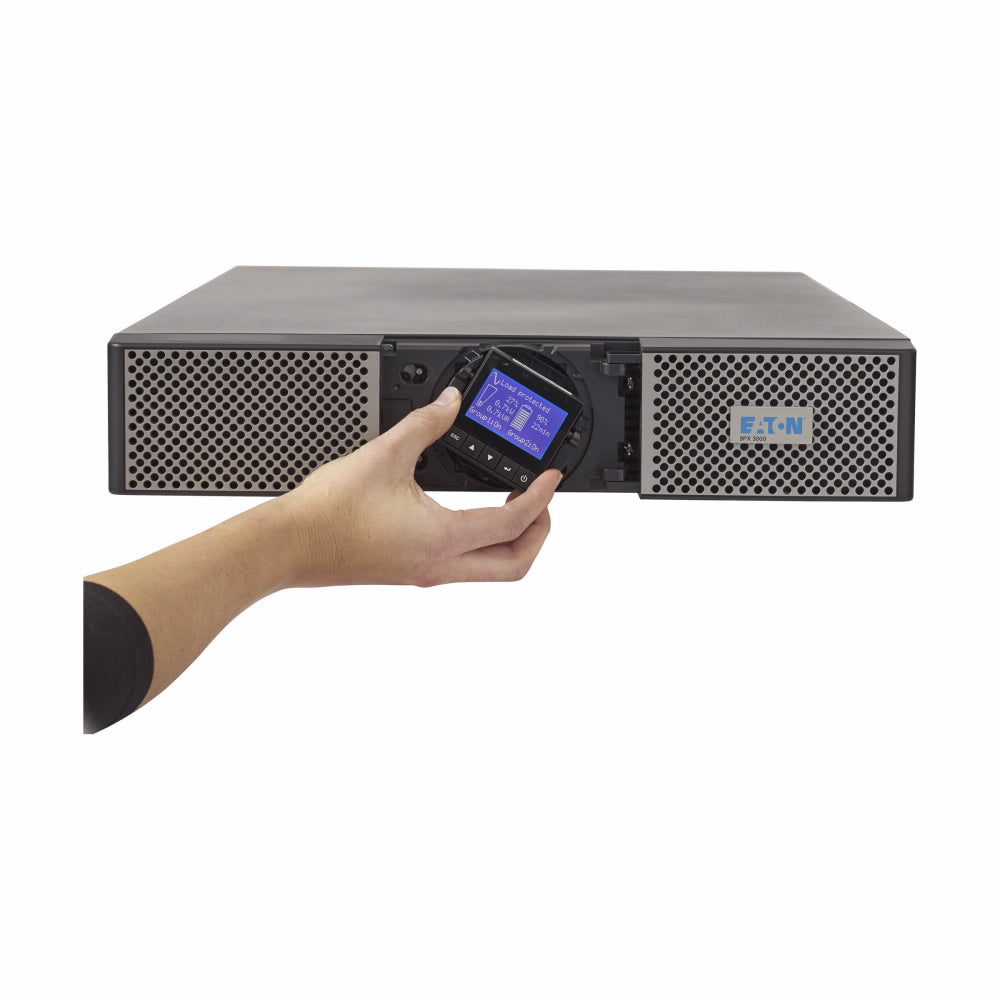
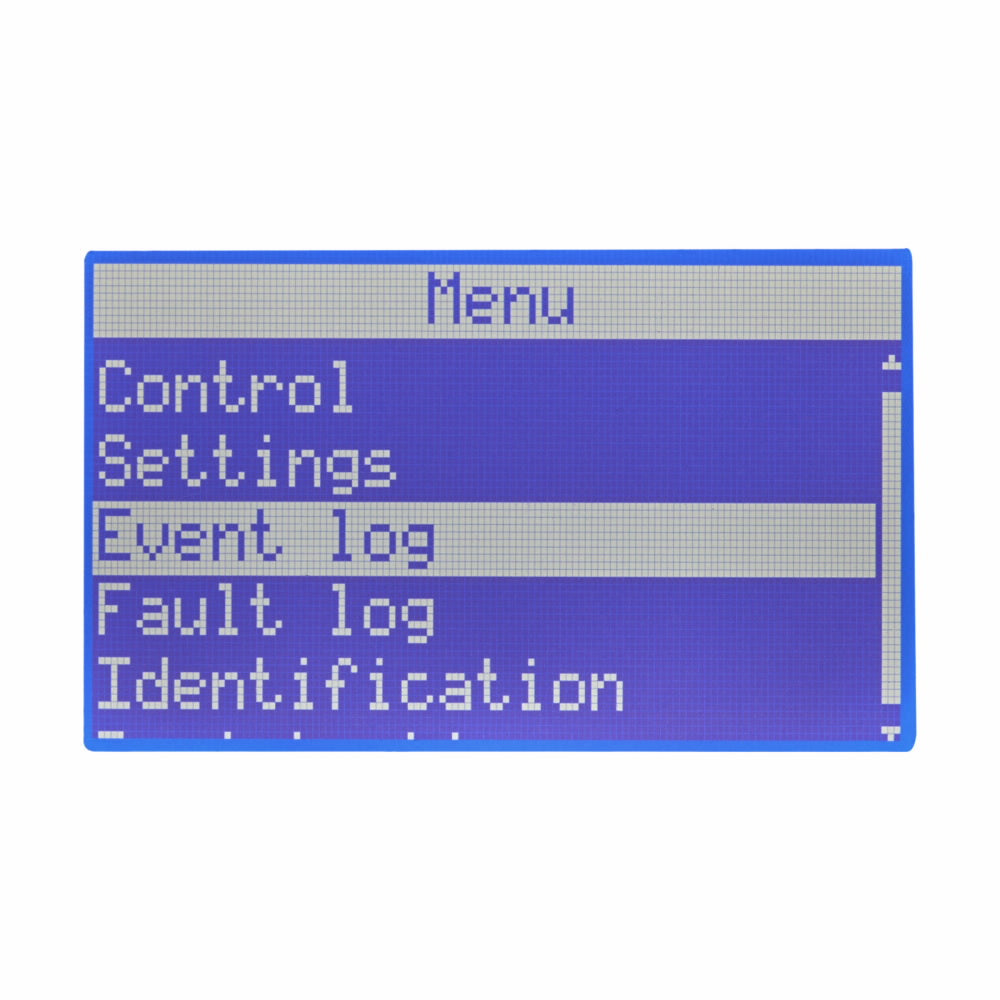
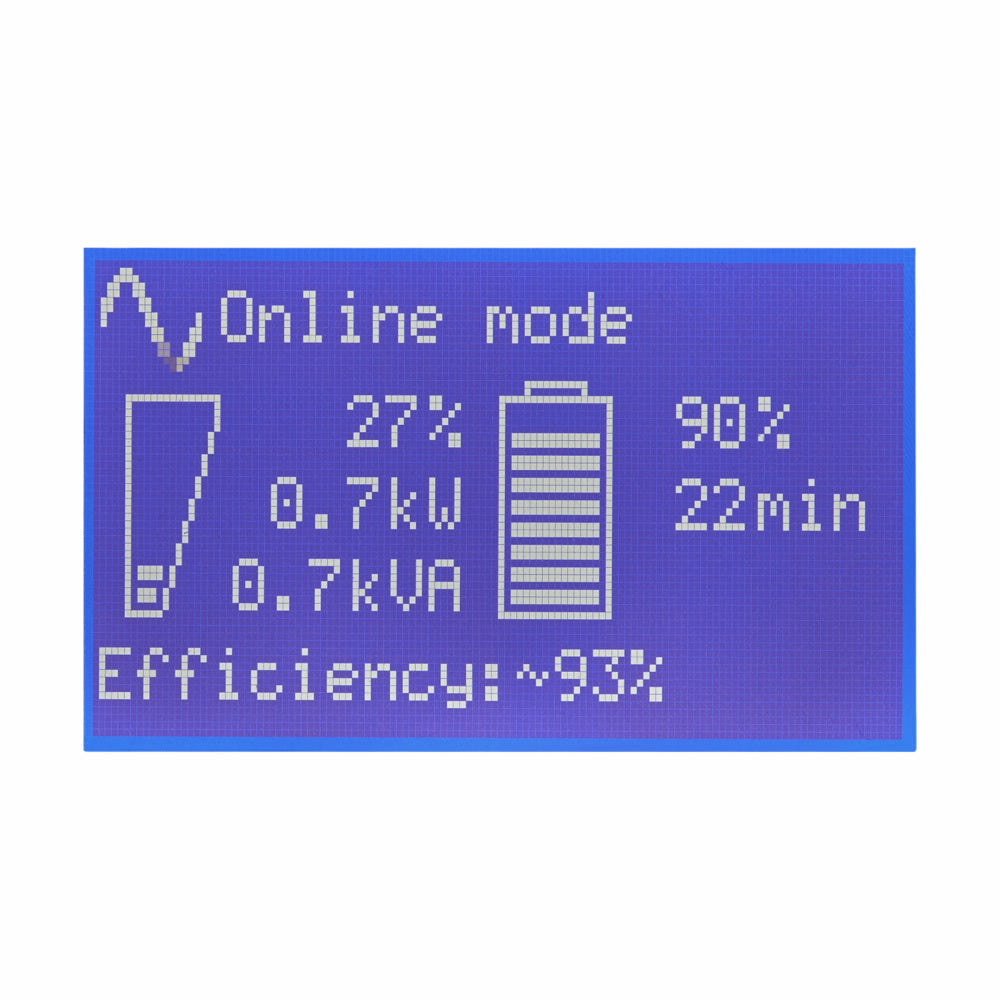
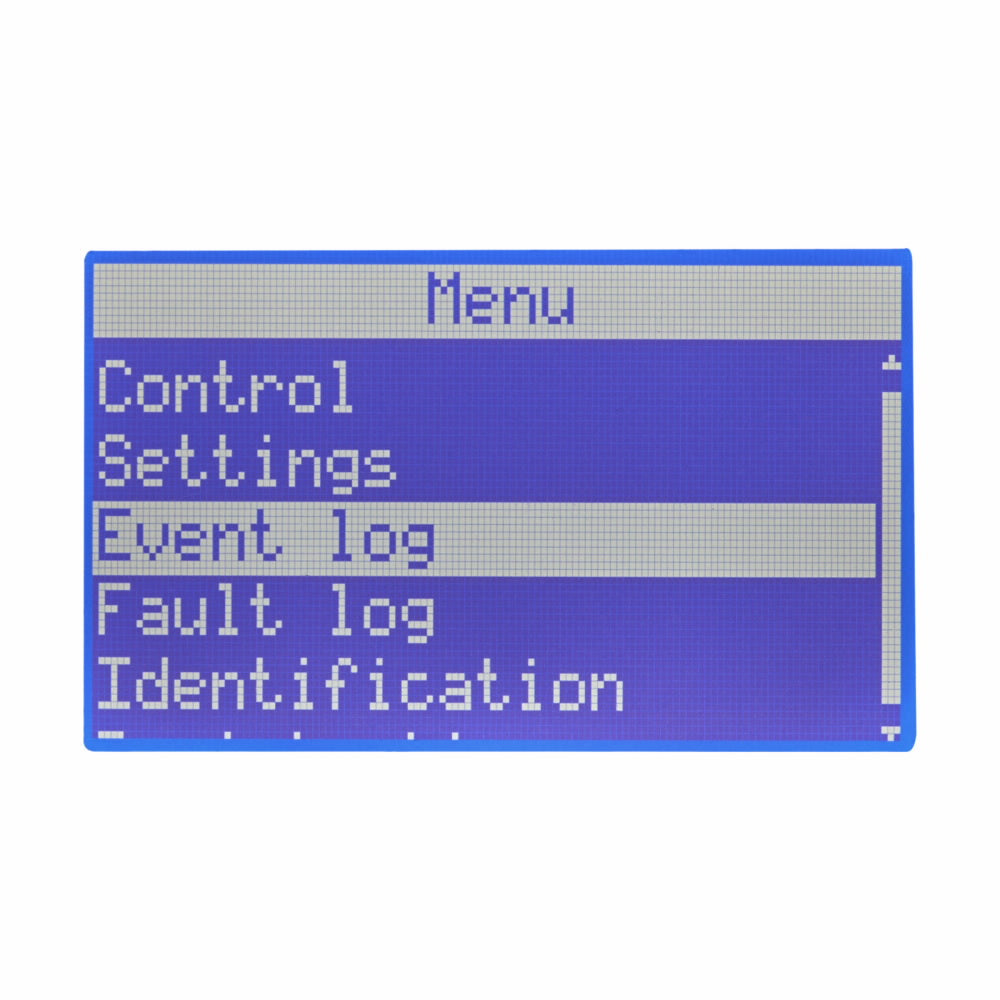
The front display may show an alarm code, fault number, battery percentage, load percentage, or operating mode.
However, UPS alarm codes are manufacturer- and model-specific.
An alarm on an APC UPS may mean something entirely different from an alarm on an Eaton, Vertiv, Riello, Toshiba, or Xtreme UPS.
That's why searching for the exact model number and alarm code is important.
If you're trying to determine whether you need a replacement battery, part, or UPS, having that information available can make finding the right product much easier.
What Should You Do If Your UPS Starts Beeping?
Before assuming your UPS needs to be replaced, work through a few basic questions:
1. Is the power currently out?
If so, the UPS may simply be operating normally on battery power.
2. What does the UPS display say?
Look for battery, overload, fault, bypass, or temperature messages.
3. What is the UPS model number?
The model number is one of the most useful pieces of information when looking for compatible batteries or replacement equipment.
4. How old is the UPS?
If the UPS is several years old and the battery is failing, replacing the battery may make sense.
If the UPS itself is outdated or no longer provides enough capacity, replacing the entire UPS may be a better option.
5. Do you need a replacement part?
Some UPS problems may be related to a specific replaceable component or accessory rather than the entire system.
Do you need a New UPS or does your UPS simply Need new batteries?
This is one of the most important questions to answer.
If the UPS is otherwise operating normally and the battery has reached the end of its service life, a replacement battery may be the most practical solution.
On the other hand, if the UPS is outdated, repeatedly reporting faults, no longer has enough capacity, or doesn't meet your current power requirements, replacing the UPS may make more sense.
CP Warehouse Can Help You Define the Right Solution:
CP Warehouse offers options for both situations, including UPS replacement batteries, UPS parts, preowned UPS systems, and new UPS systems.
Preowned and open-box UPS systems can also be a great option when you're looking for a cost-effective replacement without necessarily purchasing a brand-new system.
A beeping UPS doesn't automatically mean it's time to replace everything.
Sometimes, you simply need the right replacement battery. Other times, you may need a compatible UPS part or a completely new system.
At CP Warehouse, we can help you find the right solution based on your UPS manufacturer, model, capacity, and application.
Whether you're looking for:
- Replacement batteries
- New or pre-owned UPS system
- UPS parts and accessories
- Preowned or open-box UPS systems
Start by identifying your UPS manufacturer and model number. That information can help determine which replacement products are compatible with your system.
Don't Ignore the Beep
The next time your UPS starts beeping, don't immediately assume the worst.
Listen to the alarm, check the display, identify the cause, and determine whether you need a battery replacement, part, or complete UPS replacement.
And if you're not sure what you need, CP Warehouse can help you find the right power protection solution for your equipment and budget.
Have a beeping UPS? Find the right replacement battery, parts, preowned UPS, or new UPS system at CP Warehouse.