The storm is outside. Is your business prepared inside?
A winter storm doesn't have to directly damage your building to disrupt your business.
Heavy snow, ice, and high winds can contribute to power interruptions, leaving businesses scrambling to keep essential equipment online. Even when a facility remains physically safe, an unexpected outage can affect everything from internet connectivity and communications to servers, security systems, and daily operations.
The bigger problem? Many of these systems depend on one another.
Your network equipment keeps employees connected. Your servers support applications and business data. Your security systems help protect the building. And if the power goes out, losing one piece of that infrastructure can create a ripple effect across the entire operation.
That's why winter power preparedness involves more than keeping the lights on. It means understanding which equipment your business depends on, what happens when utility power is interrupted, and how to protect critical systems when conditions are less than ideal.
 One power outage can create several problems at once
When a facility loses utility power, the effects can extend well beyond darkened workspaces.
Here are a few areas businesses should consider before the next major winter storm.
1. Your network can go down before you realize how much depends on it
Routers, network switches, modems, and other communications equipment are easy to overlook until employees can no longer access the systems they need.
For businesses that rely on cloud applications, remote access, VoIP phones, or connected devices, network interruptions can quickly affect productivity and communication.
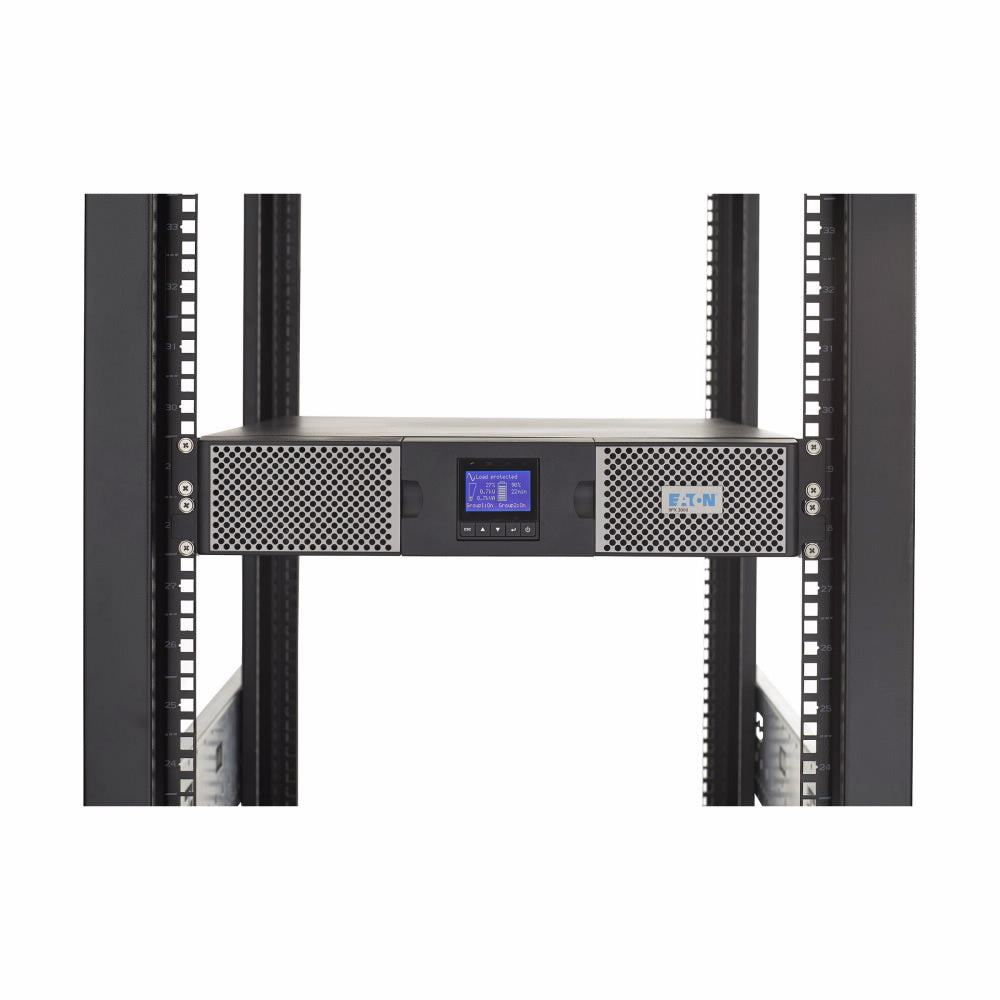
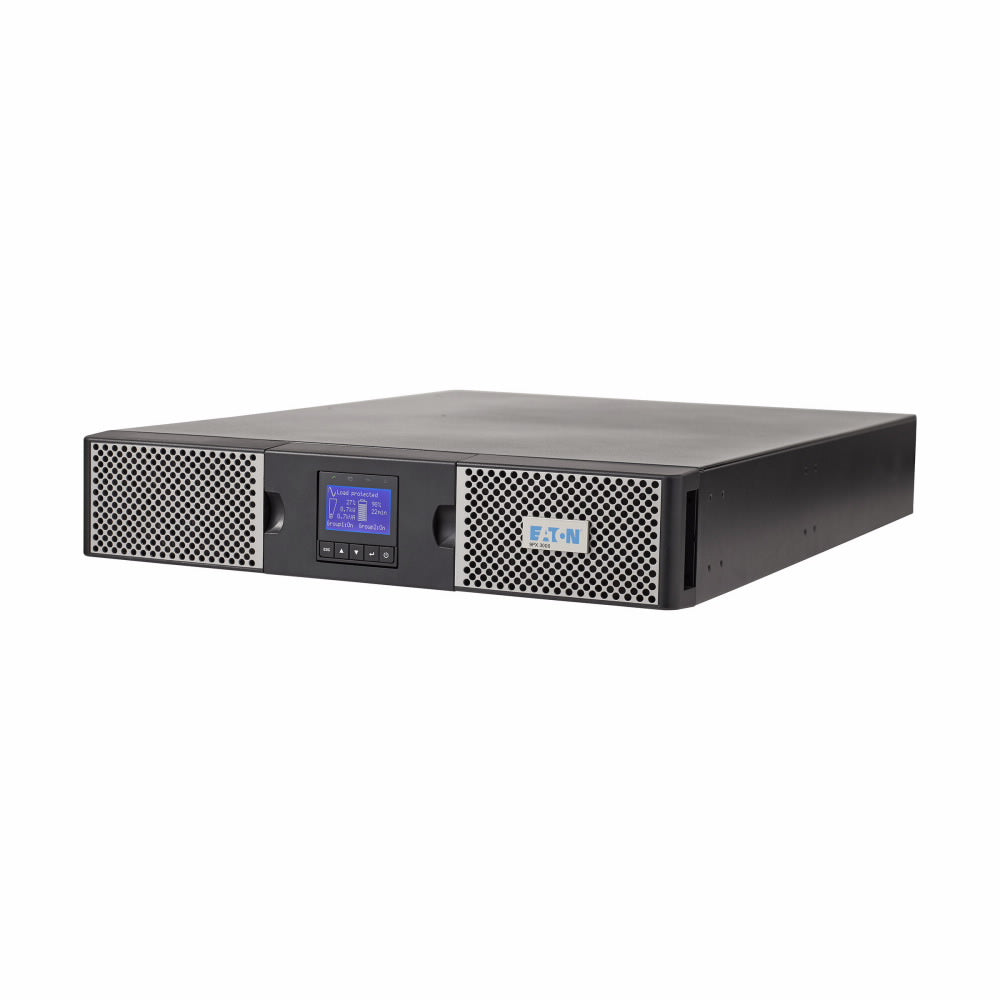
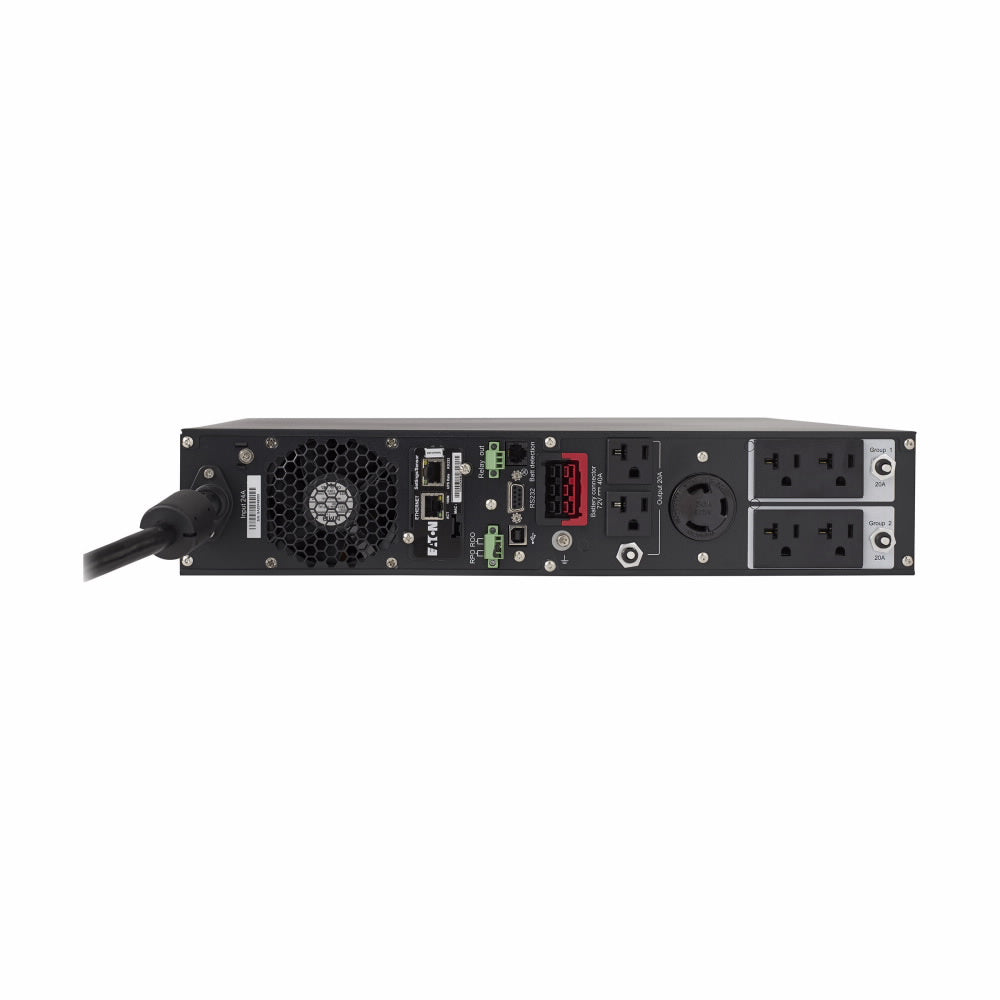
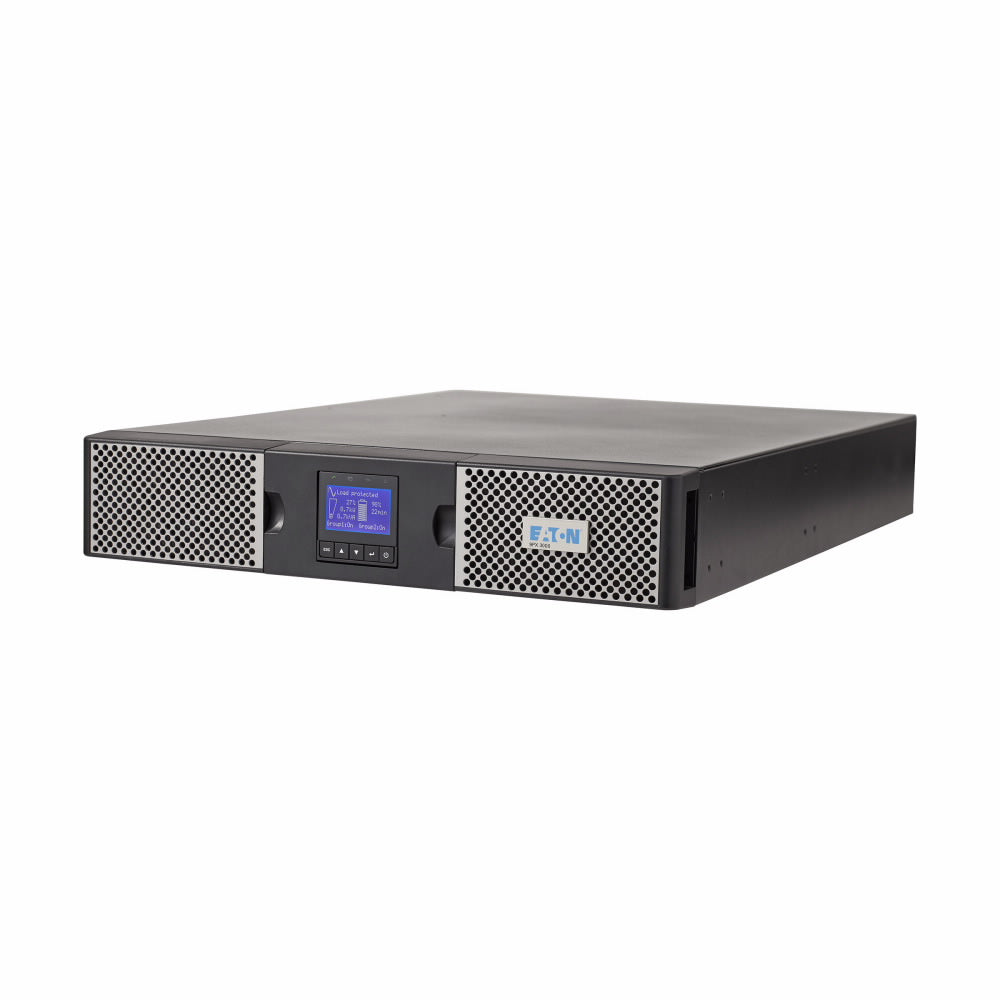
A properly selected UPS (uninterruptible power supply) can provide temporary battery backup for compatible equipment, helping keep critical network devices powered through brief interruptions or giving systems time to shut down in an orderly manner.
The key is identifying which network components are essential and ensuring they have appropriate backup protection.
2. Servers and business data need more than a quick restart
An unexpected loss of power can interrupt active workloads, disrupt applications, and create risks for equipment that isn't shut down properly.
A UPS can provide a bridge between utility power loss and a controlled shutdown, or help maintain operation while another power source becomes available, depending on the system's capacity and runtime.
For IT teams, it's worth reviewing which servers and storage devices need immediate protection, how much power they draw, and how shutdown procedures are configured.
A UPS should be selected around the actual equipment load and the time needed to complete the intended response — not just the number of devices plugged into it.
3. Security and access systems may need backup power, too
Electronic access controls, network-connected cameras, monitoring equipment, and other security devices may depend on electrical power to operate.
A power interruption can affect visibility, communications, or access to parts of a facility, depending on the system design and its backup provisions.
Businesses should identify which security components are critical during an outage and confirm that their backup arrangements support the intended operation.
For emergency lighting applications, properly specified lighting inverter systems can also help provide backup power to compatible lighting loads when normal power is lost.
4. Being closed for the day doesn't mean your equipment stops mattering
Winter storms often arrive outside normal business hours, when fewer employees are available to respond.
Servers may still be processing workloads, monitoring systems may still be running, and essential network equipment may still be supporting remote operations.
Before severe weather arrives, businesses should know which systems can continue unattended, which require an orderly shutdown, and who will receive notifications if a power event occurs.
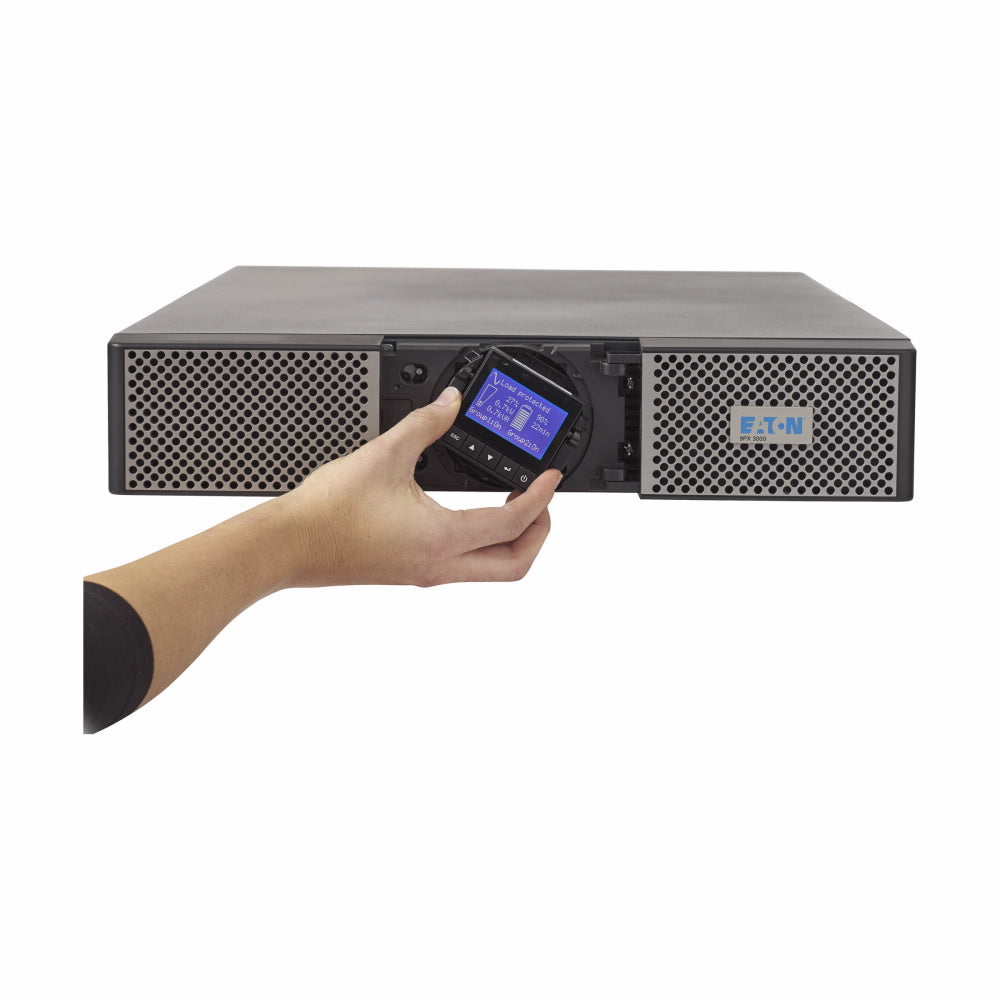
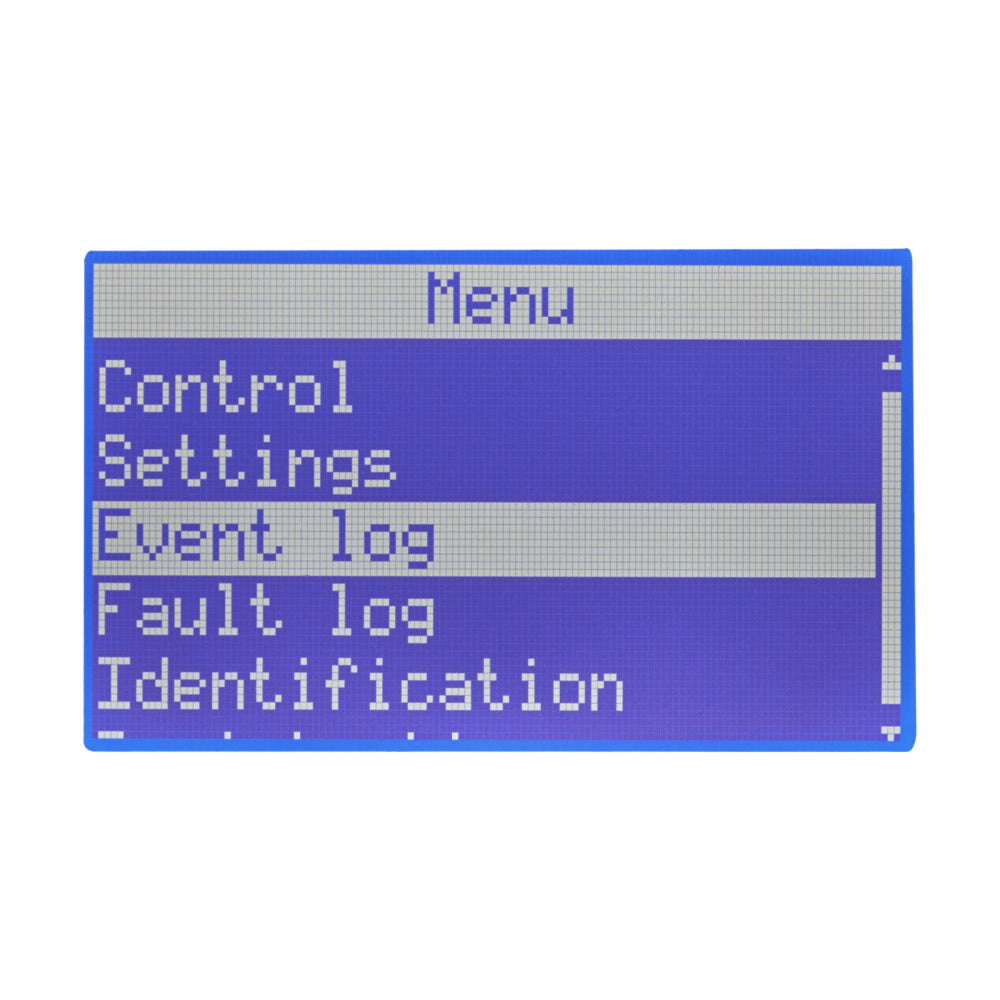
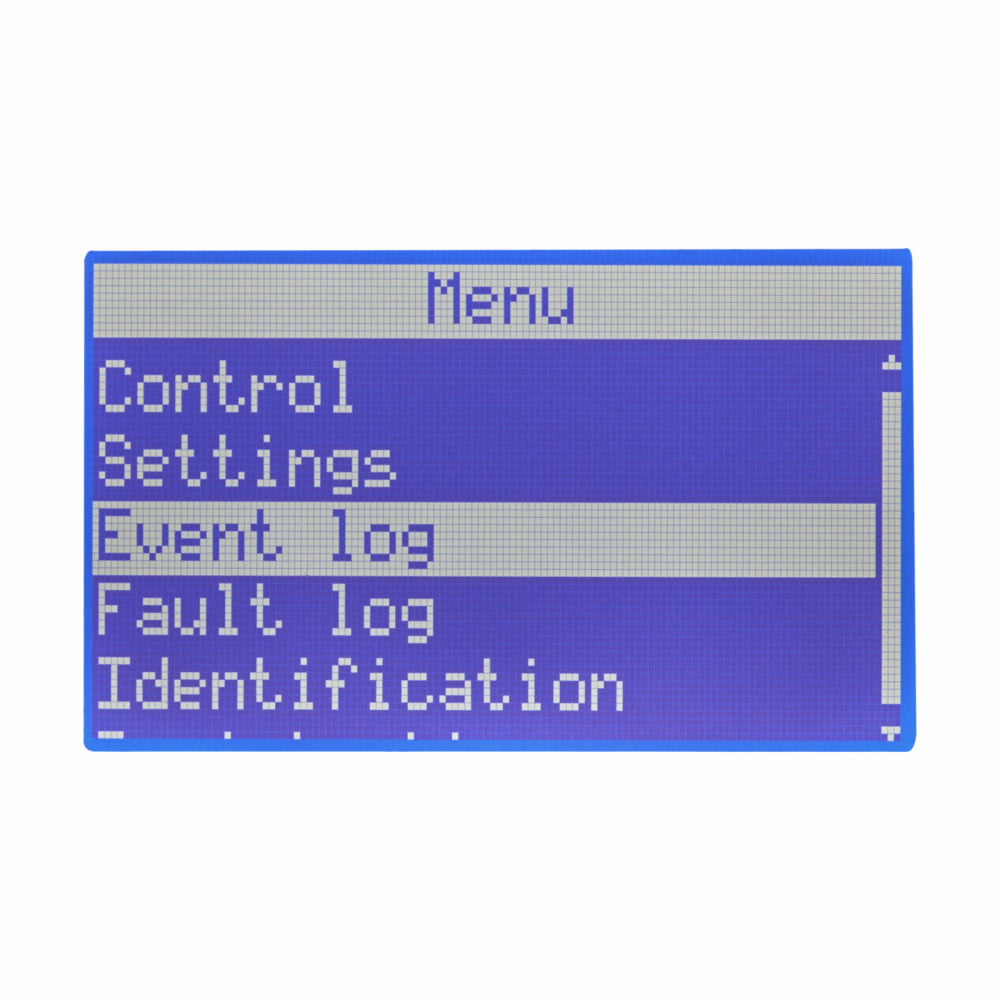
Depending on the equipment, remote monitoring and appropriate management tools can help IT teams assess system status without needing to be physically present.
Where does a UPS fit into your winter power plan?
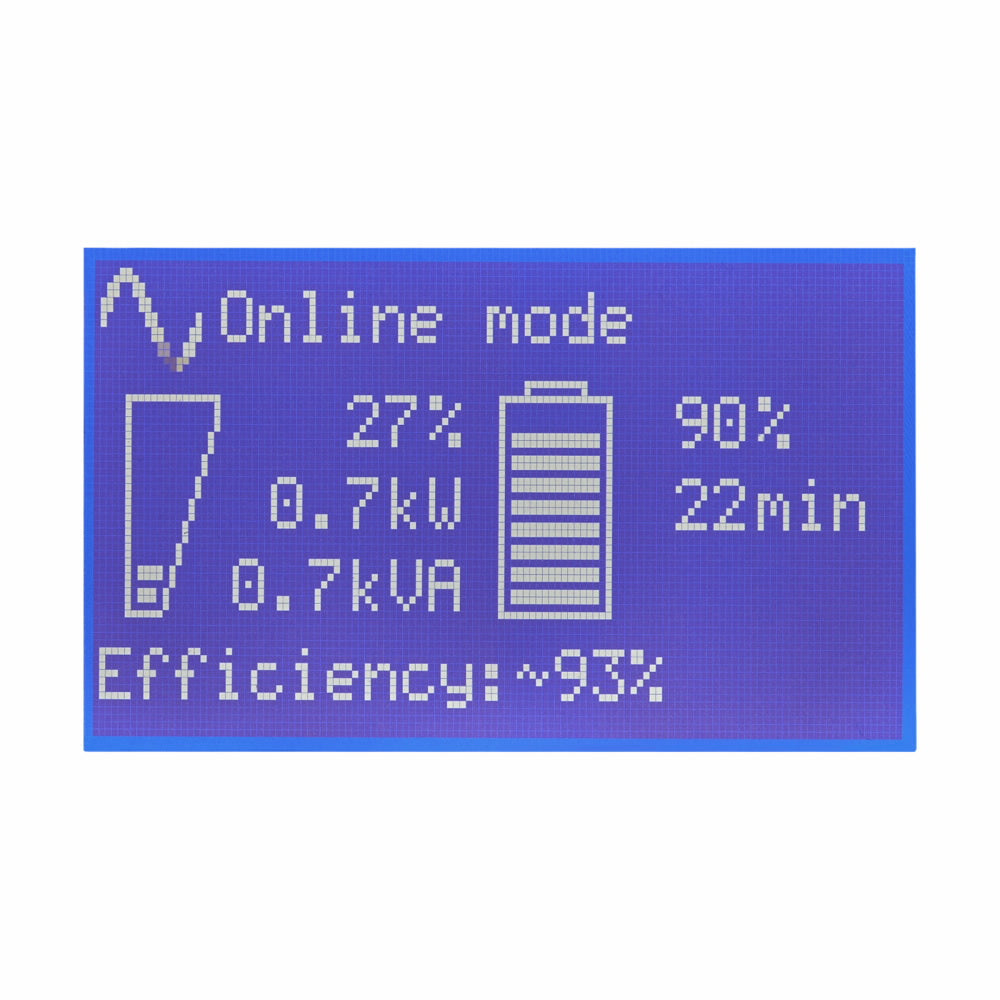
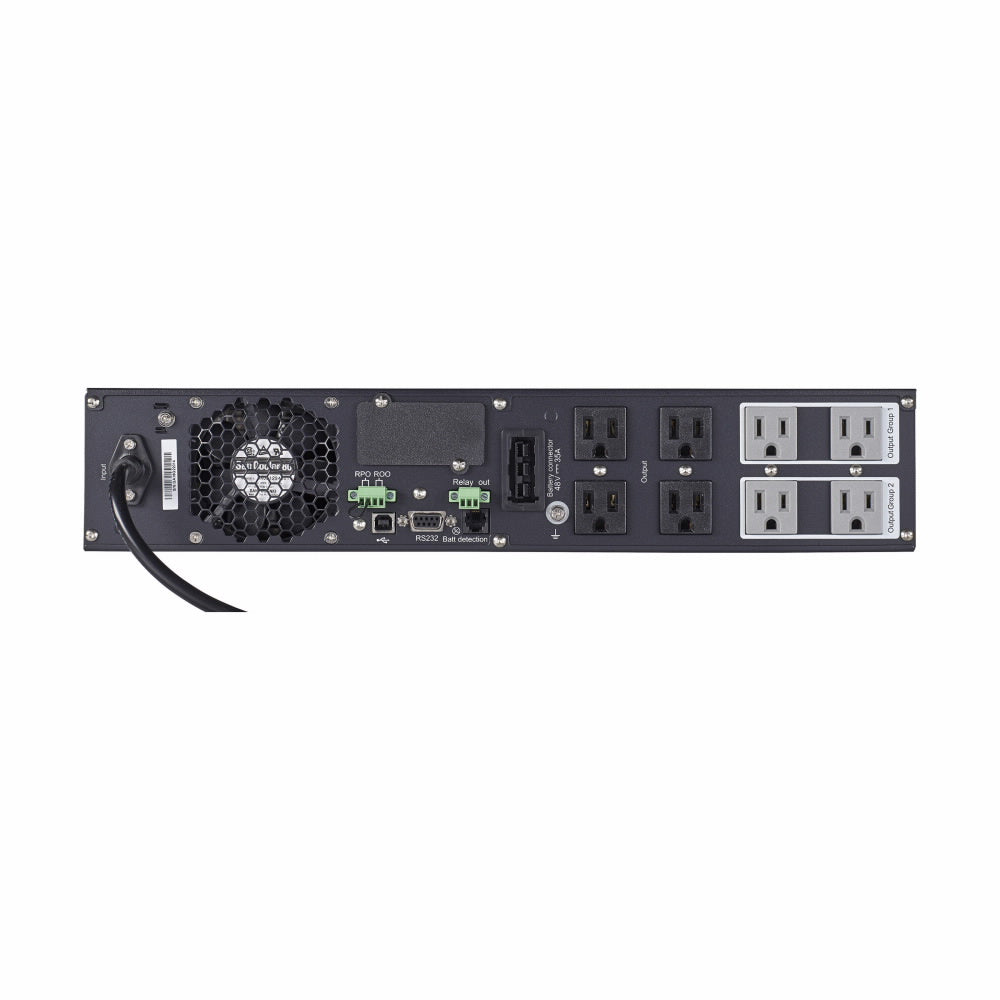
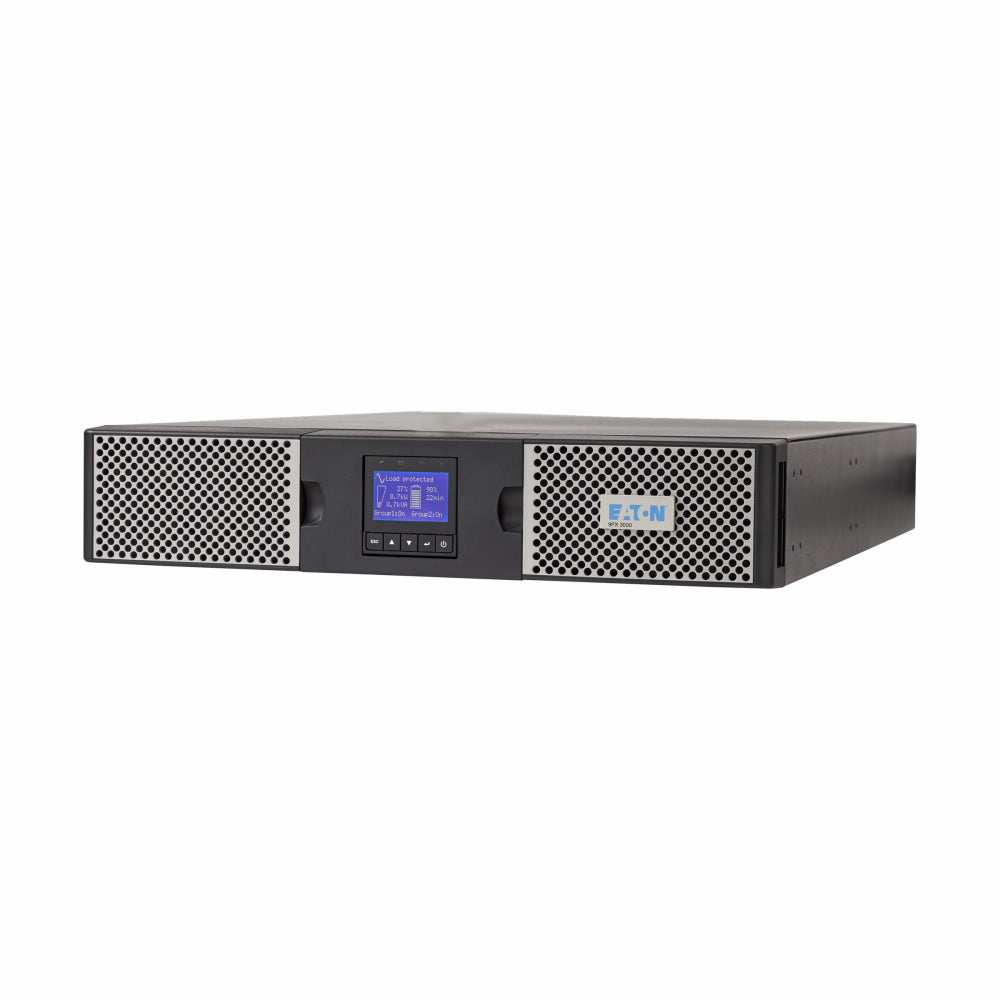
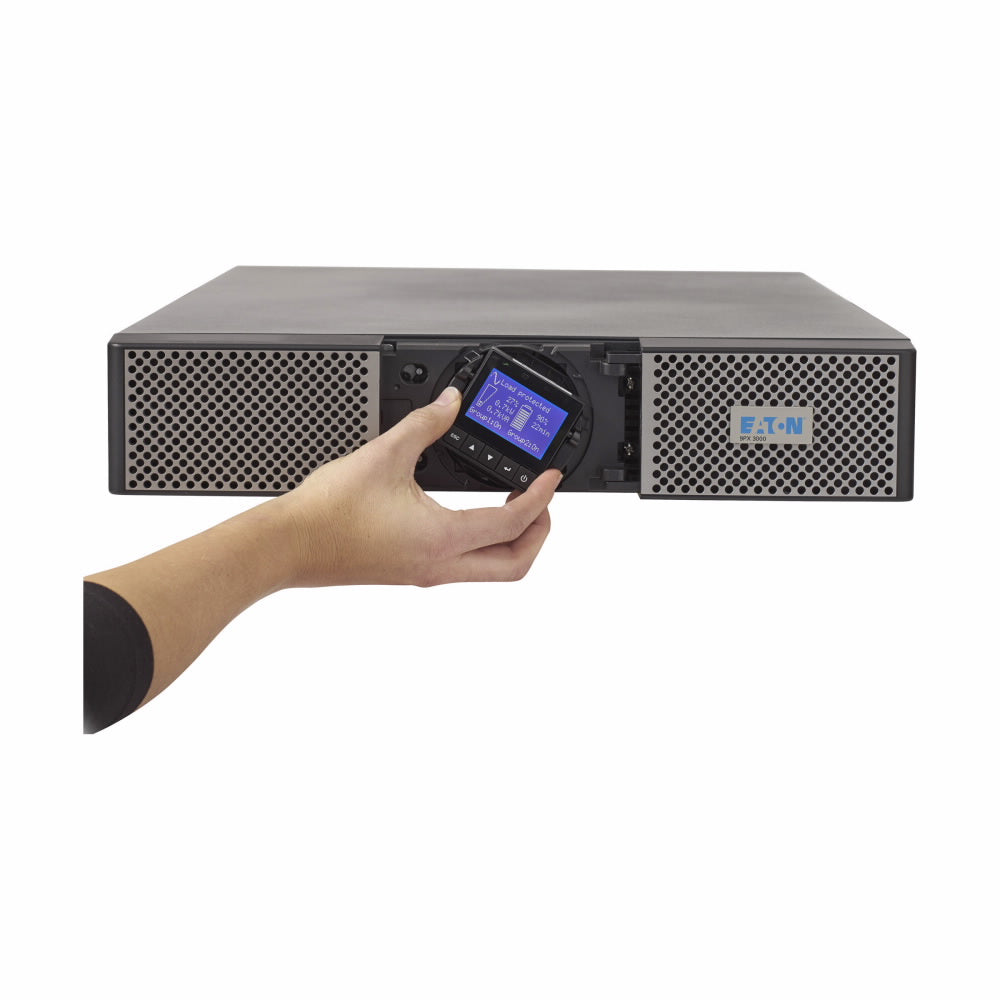
A UPS is designed to provide backup power during utility interruptions while also helping protect connected equipment from certain power disturbances. However, not every UPS serves the same purpose.
The right choice depends on what you're protecting, how much power the equipment requires, and what needs to happen when the power goes out.
Consider these common applications:
-
Network closets and small offices: Protect routers, switches, communications equipment, and other essential electronics.
-
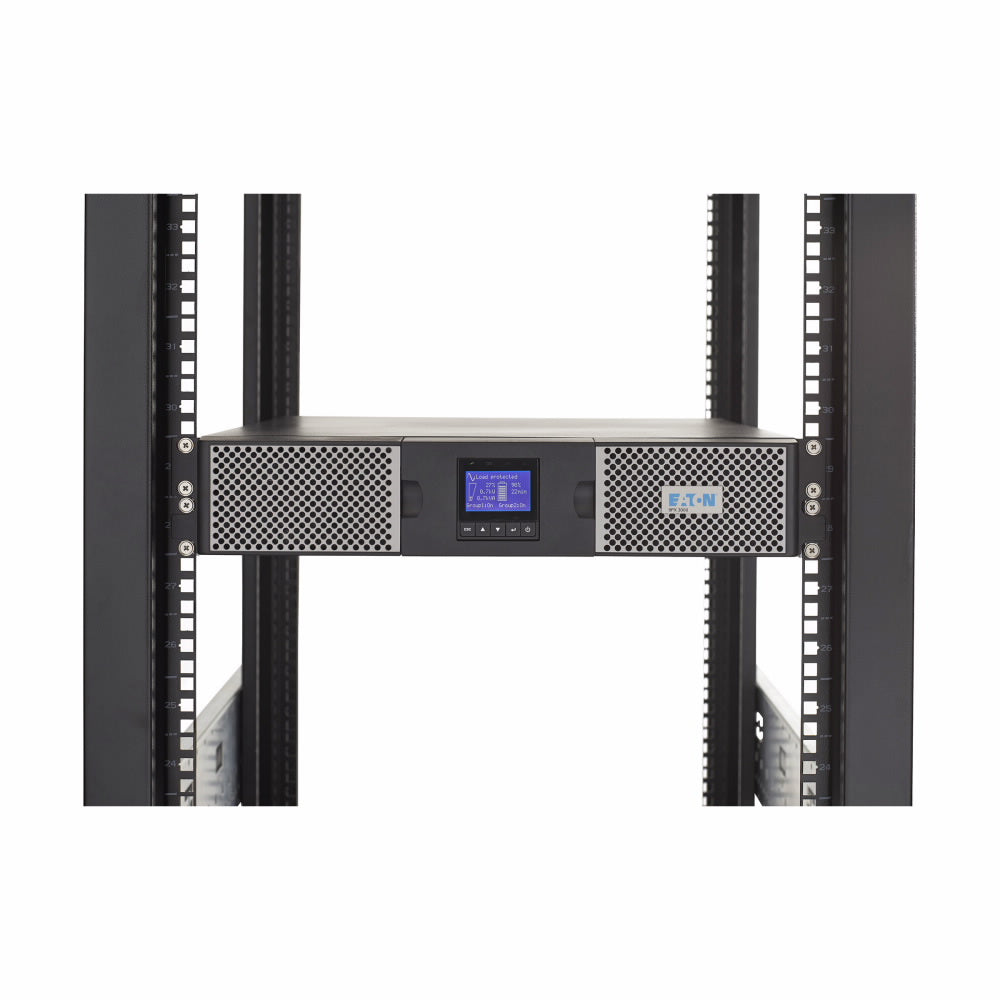
Servers and data centers: Support critical IT loads and provide time for a controlled shutdown or transition to another power source.
-
Healthcare and essential facilities: Protect designated critical equipment according to the facility's electrical design and applicable requirements.
-
Commercial buildings: Support selected control systems, communications equipment, and other essential loads.
-
Emergency lighting: Use appropriately specified lighting inverters for compatible emergency lighting applications.
Explore CPW's UPS systems to compare solutions for different equipment and power requirements.
A UPS isn't a replacement for a complete backup power strategy
One of the most important things to understand is that a UPS provides a defined amount of backup power. It isn't automatically designed to run an entire business throughout an extended winter outage.
For some applications, a few minutes of runtime may be enough to save work and shut down equipment safely. Others may require additional battery capacity or coordination with a generator.
Before winter weather arrives, consider the following questions:
-
Which equipment must remain powered during an outage?
-
How much wattage does that equipment require?
-
How long must it operate on battery power?
-
Is a generator available, and is the UPS designed to work with the backup power arrangement?
-
Which systems should shut down first if an outage continues?
-
Who is responsible for responding to alarms or notifications after hours?
Answering these questions can help identify gaps in your current setup before an actual outage puts the plan to the test.
Don't overlook replacement parts and battery condition
Even a properly selected UPS depends on its components being suitable for the job.
A system may appear to operate normally while its batteries or other components age. That's why equipment condition should be considered alongside capacity and runtime.
If your business already has UPS equipment installed, review the manufacturer's recommendations and your maintenance records. If replacement is needed, make sure the battery or component matches the specific UPS model and configuration.
CPW offers UPS batteries and UPS replacement parts to help customers find products for their existing equipment.
Knowing the model number and relevant part information can make it easier to narrow down compatible replacements.
Your winter power preparedness checklist
Before the next major storm, take a few minutes to review your power protection plan.
This doesn't require every business to overhaul its electrical infrastructure before winter. It starts with understanding what you have, what it protects, and where additional planning may be necessary.
Keep your business prepared when winter weather arrives
Winter power interruptions are difficult to predict, but your response doesn't have to be improvised.
Understanding your critical equipment, choosing appropriate UPS protection, and planning for extended outages can help your business respond more effectively when utility power becomes unreliable.
Whether you're protecting a small office network, a server room, or a larger critical power environment, the first step is finding the right solution for your equipment and operational needs.
Need help finding the right UPS, replacement battery, or part?
CP Warehouse offers new, preowned, and open-box UPS systems, batteries, and replacement parts for a range of applications.
Explore available UPS systems, browse UPS batteries, or Contact us for help identifying the right equipment for your needs.